How to Convert a PDF to Word for Free
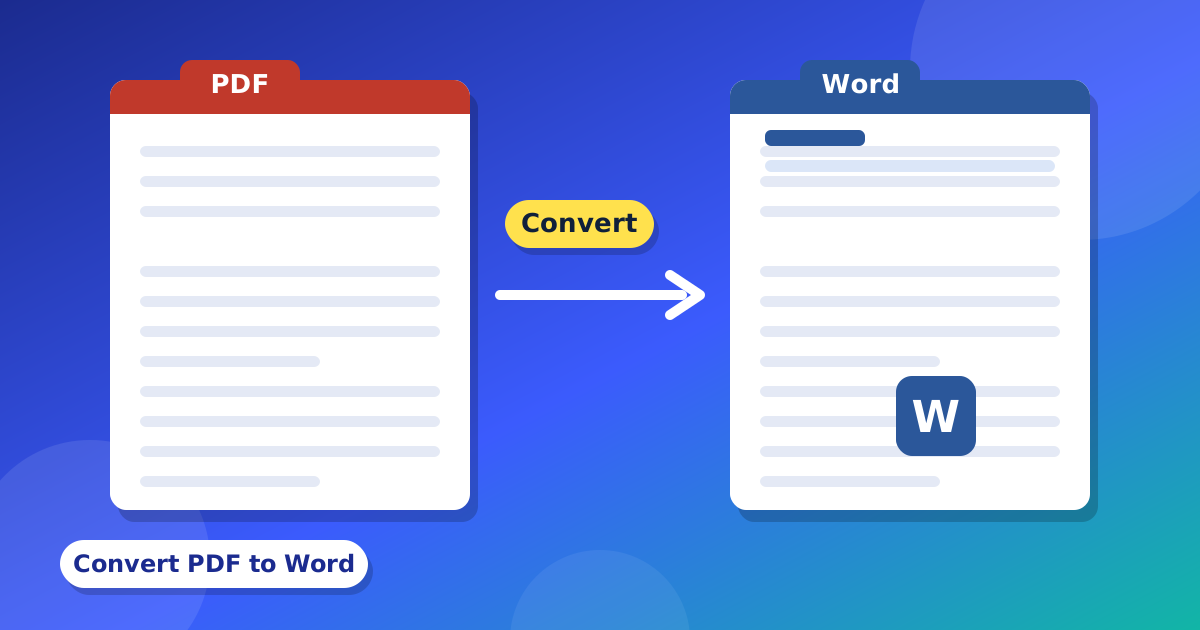
Do you want to change the words in a long PDF? Sometimes it is easier to do it in Word. This guide shows you how to convert a PDF to Word for free, in your browser.
Step by step
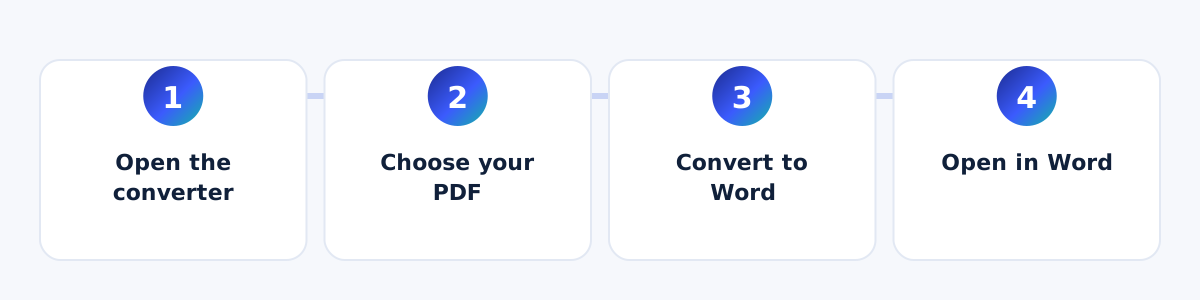
- Open the PDF to Word converter.
- Choose your PDF file, or drag it into the box.
- Press "Convert to Word".
- Open the file you downloaded in Microsoft Word or LibreOffice.
What you will get
The tool takes the words from your PDF and puts them in a Word file. Each line becomes one paragraph. A new page in the PDF becomes a new page in Word. Pictures, tables and the exact look of the page do not come with it. The file is saved as .doc.
Why is my file empty?
Maybe your PDF is a scan. A scan is a picture of a paper. It has no real words inside, so there is nothing to copy. For a scan, you would need a program that can read pictures of words. Our tool cannot do that.
Other ways to get your words out
- Need a table? Try PDF to Excel.
- Need only a few words fixed? Use the PDF Editor and skip Word.
- Need slides? Try PDF to PowerPoint.
Tips
- Read the Word file once. Some words may be in the wrong order if the PDF had columns.
- Keep your first PDF.
- Your file stays on your device. It is not uploaded.
When should I use Word and when should I use a PDF editor?
If you only need to fix a few words, a PDF editor is faster, and it keeps the page looking the same. If you want to rewrite a lot of text, or use the words in a new paper, Word can be better. You can use both. Fix small things in the PDF Editor, and use the PDF to Word tool for big changes.
Tips for a better Word file
- If your PDF has two columns, the words may come in a mixed order. Read and fix the order in Word.
- Add your pictures again in Word. Pictures do not come with the file.
- Check the numbers and names. A small letter can be wrong.
- Save your new file as .docx in Word if you need that type.
What kinds of PDFs work best?
PDFs that were made on a computer work best. For example, a PDF that you saved from Word, or a report from a website. These have real words inside. PDFs that were made by scanning paper or by taking a photo do not have real words. They are only pictures. If you are not sure, try to click and select a word in your PDF reader. If you can select it, the tool will be able to copy it. If you cannot, the PDF is probably a scan.
Questions and answers
Is it free?
Yes. It is free and needs no sign-up.
Is my PDF uploaded?
No. The work is done in your browser.
Can I get a table into Word?
The tool copies words only. For a table, use PDF to Excel, then copy the table into Word.